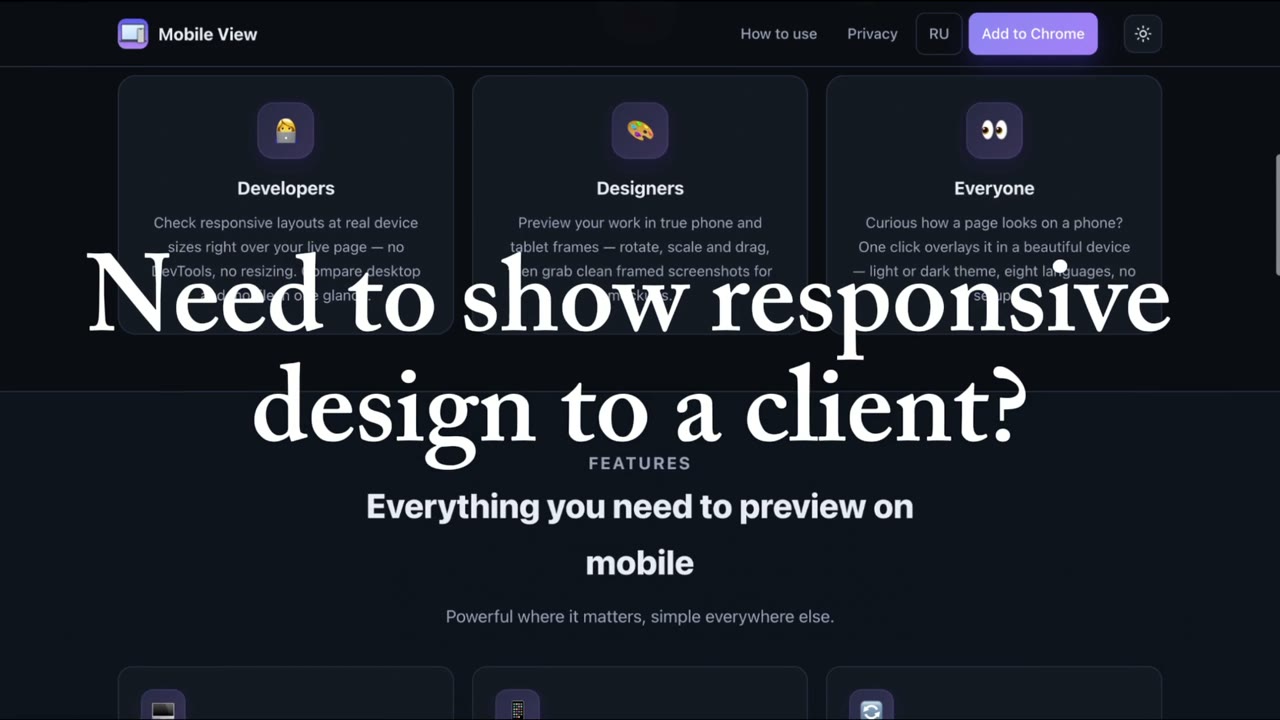
Mobile View drops a real phone or tablet right on top of the page you’re viewing — so you watch the desktop and the mobile‑adaptive layout side by side, in real time. No DevTools, no resizing windows.
Works on any website · Settings saved across tabs · Nothing ever leaves your browser
Watch the demo
One click, and a real device frame appears over your page — desktop and mobile, side by side.
Made for everyone
Whether you ship code, craft interfaces, or just want to check how a page looks on a phone.
Check responsive layouts at real device sizes right over your live page — no DevTools, no resizing. Compare desktop and up to 5 phones or tablets in one glance.
Preview your work in true phone and tablet frames — rotate, scale and drag, then grab clean framed screenshots for mockups.
Curious how a page looks on a phone? One click overlays it in a beautiful device — light or dark theme, 50+ languages, no setup.
Features
Powerful where it matters, simple everywhere else.
Show your desktop page next to several phones and tablets on one screen — each with its own model, size, rotation and brand color. Scrolling stays in sync across all of them, and a side dock keeps every device one click away.
The device preview floats over your real desktop page, so you see both adaptive layouts on one screen — live, no split windows.
iPhone, Android (Pixel, Galaxy) and iPad with authentic bezels. Rotate to landscape, scale the preview from 50% to 125%, and set a custom size — quick Shift+5 shortcut.
Scroll, click and type on any side — the desktop page and every device preview stay in sync. Toggle sync anytime.
Dim the desktop and arrange your devices in a row, grid or stack. Turn on focus lock and a stray click, Esc or Shift+4 can’t knock you out — only the Focus button exits. Quick Shift+4 shortcut.
Capture every device at once and pick the shot you need, or record the screen to an MP4 or WebM video — all locally, with quick Shift+1/2/3 shortcuts.
Device, rotation, position, theme and language are saved and restored across tabs and sessions — in 50+ interface languages.
Made for real workflows
Desktop and mobile live on one screen — so a single recording or screen‑share shows how a page looks and behaves on every device. No split screens, no editing.
Record a single MP4/WebM walkthrough with desktop and mobile side by side — ready to send, no post‑production.
Show clients exactly how their site behaves on phone and desktop — live on a call or in a shared clip.
Present responsive work like a pro — ideal for freelancers and agencies, with zero setup.
Three steps
Go to the page you want to check and click the Mobile View icon — a real device appears right on top of it.
Pick an iPhone, Android or iPad, rotate, scale and drag it anywhere — add up to 5 devices at once, or switch to focus mode for a clean look.
See desktop and mobile together, scroll in sync, and save a framed screenshot. Your setup is remembered next time.
Be first to hear about updates, vote on the next features and share your feedback — you help decide what comes next.
Join on TelegramAdd Mobile View to Chrome and preview any page in both views at once.
Add to Chrome — Free Mobile View